Introduction
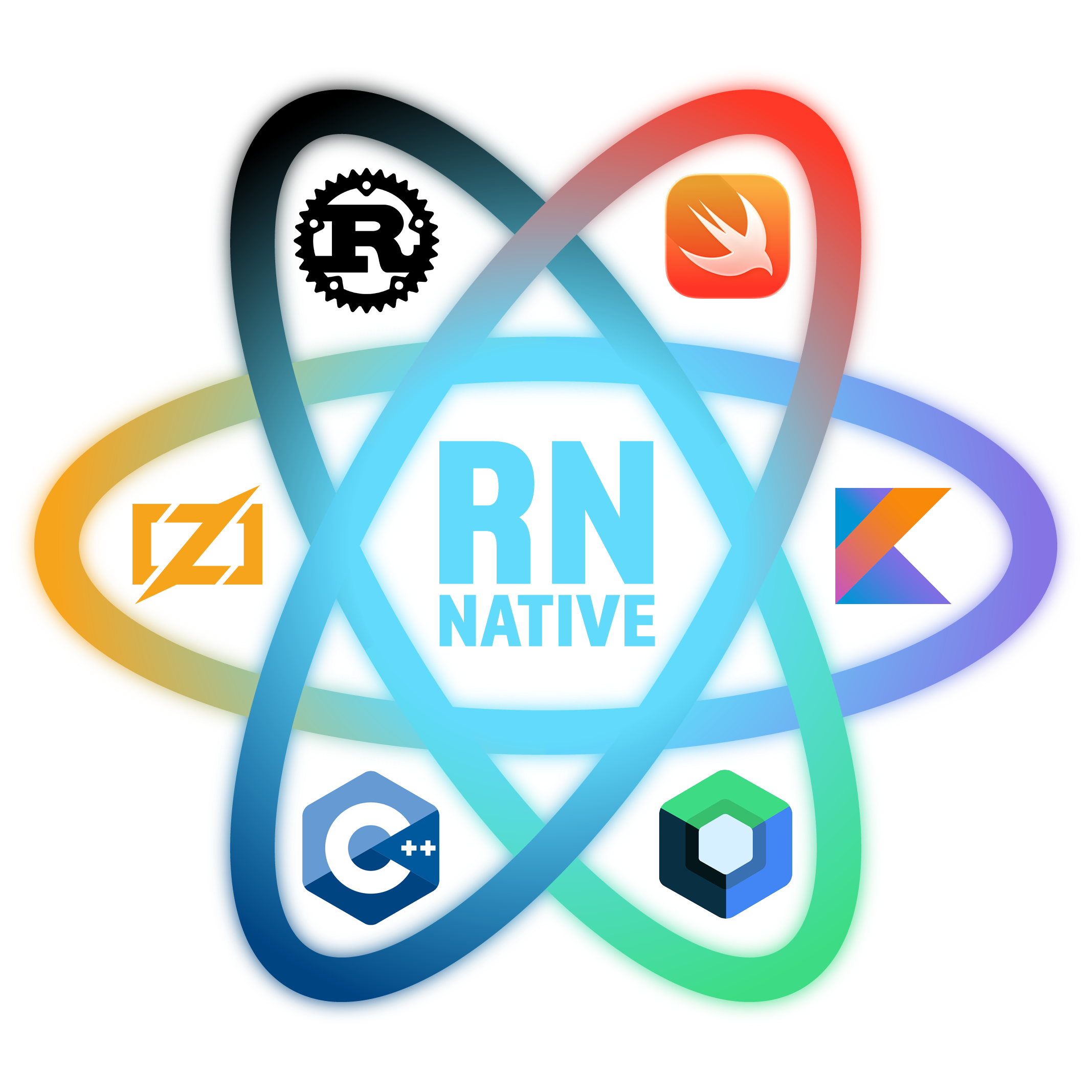
React Native Native — write native modules in Rust, C++, Kotlin, and Swift with hot-reload on device.
Experimental. React Native Native is in active development. Core functionality works, but certain language-specific features may be incomplete or unstable. Currently only tested on macOS. See Known Issues below before using in production.
React Native Native lets you write native components and modules in any compiled language — Rust, C++, Kotlin/Compose, Swift/ObjC — and hot-reload them on a physical device, just like JavaScript.
Why?
React Native's native module system requires you to write Swift/Kotlin wrappers, maintain Xcode/Android Studio projects, and rebuild the entire app for every change. React Native Native removes all of that:
- Write native code in your editor — no IDE switching
- Save and see — Metro compiles, signs, and hot-reloads native code on device
- Full platform SDK access — use any iOS framework or Android API directly
- Works with Expo — drops into any Expo project as a module
How it works
Your native code becomes a React component or module that JS can use like any other:
import { fibonacci } from './rust_math';    // Rust function
import GradientBox from './GradientBox';    // ObjC++ component

<Text>{fibonacci(10)}</Text>
<GradientBox title="Hello!" style={{ width: 300, height: 200 }} />
Development
Metro watches your native files alongside JavaScript. When you save a .cpp, .rs, .swift, or .kt file:
- Metro compiles it to a signed dynamic library (
.dylibon iOS,.dexon Android) - Device pulls the compiled library over HTTP — same as a JS bundle refresh
- Runtime loads it via
dlopen(iOS) orDexClassLoader(Android) - Hot-reload — your changes appear on device in seconds, no full rebuild
Save .cpp → Metro compiles → device loads .dylib → hot-reloadThis works on both simulators and physical devices. Metro auto-detects the target architecture and compiles accordingly.
Production
In release builds, all native code is statically linked into the app binary. No dynamic libraries, no runtime code loading.
iOS — A CocoaPods script phase runs before compilation:
- Scans your project for native files (
.cpp,.mm,.swift,.rs) - Generates combined bridge files — one
.mmfor all C++/ObjC++ bridges, one.swiftfor all Swift bridges - Compiles Rust into a single static library (
libnativ_user.a) - Xcode compiles and links everything into the app binary
Android — A Gradle pre-build task does the same:
- Generates per-module bridge files and Kotlin wrappers
- Compiles Rust for all ABIs (arm64, armv7, x86_64, x86)
- Gradle compiles and packages everything into the APK
Metro only bundles JavaScript in production — all native code is handled by the platform build system.
# Build for release — native compilation is automatic
npx expo run:ios --configuration Release
npx expo run:android --variant release
See Production Builds for details on EAS Build and CI setup.
Known issues
- Zig support — planned but not yet available.
Language setup
C++, Objective-C++, and Swift work out of the box with no additional setup. Some languages have additional setup steps for your development environment — see the individual language guides for details:
- Rust — install Rust targets and create
Cargo.toml - Kotlin — download the Kotlin compiler toolchain
- Kotlin with Compose — additional Compose compiler toolchain