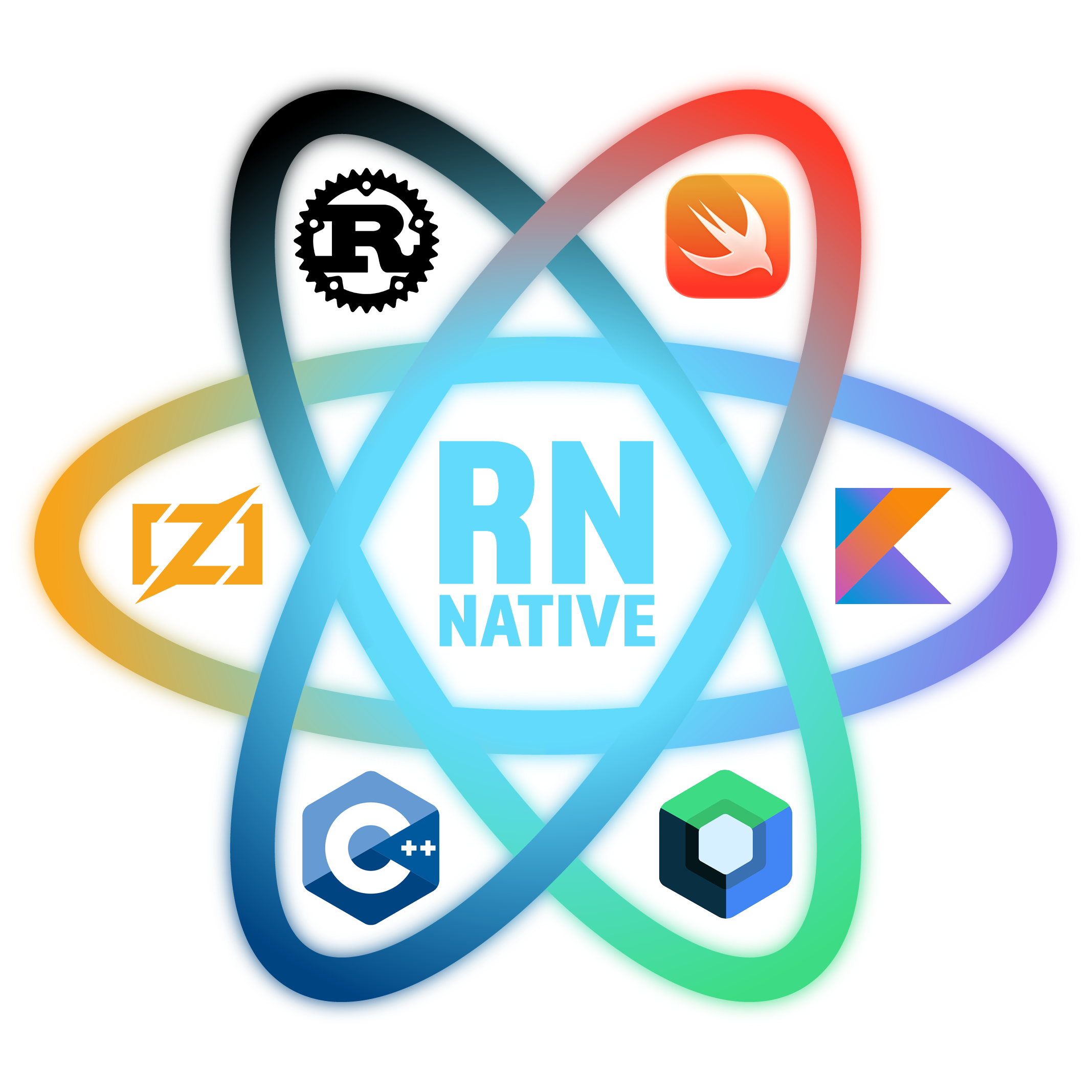
React Native Native
Drop a .rs, .cpp, .mm, .kt, .swift, or .zig file right next to your JS components. It compiles on save, hot-reloads to your device, and just works — no Xcode, no Android Studio.
Native code lives next to your JS
Import native files like any other module. No separate project, no context switching.
// App.tsx — native files import like any other module
import HelloRust from './HelloRust';
import { add, greet } from './math_utils';
import { getColorScheme } from './device_info';
import { tapMedium } from './haptics';
import ComposeCard from './ComposeCard';
import SwiftCounter from './SwiftCounter';

export default function App() {
  return (
    <View>
      <HelloRust text="From JS!" r={0.2} g={0.9} b={0.9} />
      <ComposeCard title="Hello Compose!" />
      <SwiftCounter title="SwiftUI!" r={0.9} g={0.5} b={0.9} />
      <Text>{greet("world")}</Text>
      <Text>{getColorScheme()}</Text>
      <Pressable onPress={() => tapMedium()}>
        <Text>Haptic</Text>
      </Pressable>
    </View>
  );
}
Pick your language
🦀
Rust
use nativ_core::prelude::*;

#[component]
pub struct HelloRust {
    text: String,
    r: f64,
    g: f64,
    b: f64,
    on_press: Callback,
}

impl NativeView for HelloRust {
    fn mount(&mut self, view: NativeViewHandle) {
        view.set_background_color(self.r, self.g, self.b, 1.0);
        view.add_label(&self.text, 0.5, 1.0, 0.0);
    }
}
⚡
C++
#include <cmath>
#include <string>

NATIV_EXPORT(sync)
int add(int a, int b) {
    return a + b;
}

NATIV_EXPORT(sync)
double fast_inv_sqrt(double x) {
    float xf = static_cast<float>(x);
    float xhalf = 0.5f * xf;
    int i = *(int*)&xf;
    i = 0x5f3759df - (i >> 1);
    xf = *(float*)&i;
    xf = xf * (1.5f - xhalf * xf * xf);
    return static_cast<double>(xf);
}
📱
ObjC++
#import <UIKit/UIKit.h>
#include <string>

NATIV_EXPORT(sync)
std::string getColorScheme() {
    UITraitCollection *traits =
        [UITraitCollection currentTraitCollection];
    switch (traits.userInterfaceStyle) {
        case UIUserInterfaceStyleDark:  return "dark";
        case UIUserInterfaceStyleLight: return "light";
        default: return "unknown";
    }
}
🟣
Kotlin / Compose
// @nativ_component
@Composable
fun ComposeCard(title: String) {
    var count by remember { mutableIntStateOf(0) }

    Box(
        modifier = Modifier
            .fillMaxSize()
            .background(Color(0xFC6A1B9A)),
        contentAlignment = Alignment.Center
    ) {
        Text(text = title, color = Color.White,
             fontSize = 18.sp,
             fontWeight = FontWeight.Bold)
    }
}
🍎
Swift / SwiftUI
import SwiftUI

// @nativ_component
struct SwiftCounterView: View {
    let title: String
    let color: Color

    var body: some View {
        VStack(spacing: 8) {
            Text(title)
                .font(.system(size: 18, weight: .bold))
                .foregroundColor(.white)
        }
        .frame(maxWidth: .infinity, maxHeight: .infinity)
        .background(color)
    }
}
⚙️
Zig
const std = @import("std");

export fn add(a: i32, b: i32) i32 {
    return a + b;
}

export fn fibonacci(n: u32) u64 {
    var a: u64 = 0;
    var b: u64 = 1;
    for (0..n) |_| {
        const tmp = a + b;
        a = b;
        b = tmp;
    }
    return a;
}
How it works
1
Write native code
Create a .rs, .cpp, .mm, .kt, .swift, or .zig file right next to your JS components. Same project, same folder.
2
Save
Metro detects the change, compiles your native code, and code-signs it automatically.
3
See it on device
Your component hot-reloads on the physical device. Sub-second feedback loop, just like JS.
Ready to go native?
Get started in under 5 minutes.
Read the docs